

Your own VPN. No middleman.
Private Server

What is a Private Server?
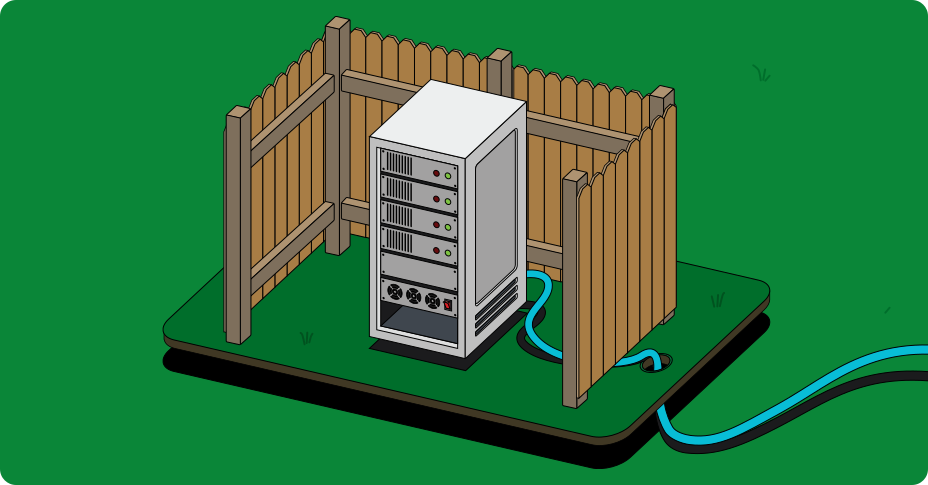
Our optional Private Server feature lets you run Lantern on your own hardware or cloud account. No upgrade needed, just pay your own server costs. You keep Lantern's circumvention and Smart Routing, and you connect from the same app, on any device.
Why host your own server?
Every VPN requires you to trust somebody with your traffic. Normally that's your ISP. With a VPN, it's the VPN company. With a private server, you decide where it runs, who sets it up, and who else can use it.
Private servers are also much harder to block. Shared VPN servers are easy to find because so many people use them. A server only you and a few friends use is far more likely to go unnoticed.
Under your control
Your traffic runs through a server you set up, on an account you own, in a location you choose.
Harder to Block
Private servers are used by fewer people and don’t stand out like large, centralized VPN services, making them less visible to censors.
Share with people you trust
You can share access with friends or family in censored regions, giving them a safer and more reliable connection.
Pick the setup that fits your needs
Two ways to get started
Anyone can run their own server. Choose the setup path that works best for you.

Quick Setup
Create your own VPN server in just a few clicks using a supported cloud provider like DigitalOcean. You choose the location, and Lantern handles the rest. Once it’s running, you can connect through the Lantern app or share access with others using a simple link.

Manual Setup
Use Lantern’s open-source Server Manager to set up a VPN server on your own infrastructure. Connect using a QR code and optionally share access with friends or family. Manual setup gives you full visibility and control over every part of the connection.
Set up your Private Server
Host your own VPN server with Lantern, Your traffic stays on infrastructure you control.